


Table of Contents
- Start With a Shopping List and a Budget
- How to Compare Online Prices Without Missing the Real Deal
- The Best Price Comparison Tools for Everyday Shoppers
- How to Track Price History Before You Buy
- Hidden Costs in Online Shopping That Blow Your Budget
- Check Store Ratings, Reviews, and Safety Before Checkout
- Comparison Shopping in Practice: A Real Cart Example
- Frequently Asked Questions
Last Updated: September 20, 2026
Start With a Shopping List and a Budget
Learning how to compare online store prices starts before you open a browser tab. A written list and a hard budget cap stop comparison from turning into impulse buying.
- Write every item down before you shop
- Note the exact size, model, or quantity
- Set a maximum price per item
- Add a total budget ceiling
- Mark which items are flexible and which are not
How to Compare Online Prices Without Missing the Real Deal
The real deal is the lowest total value, not the lowest sticker price. A cheap listing with paid returns and slow shipping often costs more than a slightly higher price with free delivery. Learning how to compare online prices means comparing the whole offer.
Match the Exact Model, Size, and Specs
Retailers use similar names for different products. A "10-inch tablet" from one seller may have different storage, RAM, or warranty terms than a similarly named model elsewhere. Copy the full product name and model number, then search that exact string, if the model numbers don't match, you're comparing two different products.
Read the Fine Print on Returns and Shipping
Return windows, restocking fees, and shipping charges decide whether a low price is actually low. Check three things:
- The return window length and who pays return shipping
- Whether the price includes shipping or adds it at checkout
- Whether the item ships from a domestic warehouse or overseas
The Best Price Comparison Tools for Everyday Shoppers
The best price comparison tools for most shoppers are a browser extension for quick checks, a shopping app for on-the-go scans, and a coupon aggregator for checkout savings. Using two or three together covers nearly every purchase, but first, understand how these tools get their numbers, because that mechanism determines whether the price you see is real.
How Price Comparison Engines Actually Work
Most comparison tools pull prices through one of three channels:
- Affiliate product feeds. Retailers publish structured data feeds (product name, SKU, price, availability) to affiliate networks, which the tool ingests and matches to your search. This is why some listings appear instantly and others never show up, the retailer has to be in the feed.
- Live page scraping. The tool loads the retailer's product page in the background and reads the price from the HTML. This catches stores without feeds, but breaks when a retailer changes its layout or blocks automated requests.
- Crowdsourced or cached data. Some tools rely on user-submitted or cached prices that can be hours or days stale, which is why a tool sometimes shows a price you can't get at checkout.
Here's how the main tool types compare:
| Tool Type | Best For | Strength | Watch Out For |
|---|---|---|---|
| Browser extension | Desktop shopping | Real-time data on any product page | Slows some browsers; broad page permissions |
| Shopping app | In-store and mobile | Barcode scanning, cash back | Requires account signup; location tracking |
| Coupon aggregator | Checkout savings | Promo codes and cash back | Expired codes; some sell your email |
| Price history tracker | Big-ticket items | Shows price trends over time | Limited retailer coverage |
| Retailer's own deals page | Everyday essentials | No third-party tracking | Fewer stores compared |
The Privacy Trade-Off Nobody Mentions
Extensions and apps pull from affiliate links and retailer feeds, which is how they stay free. But the currency isn't just your attention: many collect your browsing history, viewed products, approximate location, and sometimes your email, then resell that data or build a shopping profile.
A few practical guardrails:
- Read the permissions request. A tool that asks to "read and change all your data on all websites" can see every page you visit, including banking and email. Prefer tools limited to shopping domains.
- Check the privacy policy for data sharing. Language about sharing with "partners" or "third parties" usually means advertisers or data brokers.
- Avoid tools that ask for payment card details just to "unlock" savings. No legitimate price comparison tool needs your card to show a price.
- Use a separate browser profile for shopping to keep your main browsing history out of reach.
A Quick Tool-Vetting Checklist
Before trusting a new comparison tool, run four checks:
- Does it disclose how it makes money (affiliate commissions, ads, data)?
- Does its privacy policy say whether it sells or shares your data?
- Do recent reviews mention stale prices or broken links?
- Does it let you verify a price on the retailer's own page in one click?
If it fails two or more, treat its prices as a starting point, not a final answer.
How to Track Price History Before You Buy
Price history tracking shows whether today's price is genuinely low or just marked down from an inflated "original" price. It's the best defense against fake discounts, and it takes about 30 seconds per product.
- Install a price history browser extension
- Open the product URL on the retailer's site
- Let the extension load the price chart
- Check the 30, 90, and 365-day lows
- Set a price alert at your target number
Hidden Costs in Online Shopping That Blow Your Budget
Shipping, tax, return fees, and restocking charges turn a bargain into an overspend. Add them to the sticker price before you decide.
- Shipping costs: Often free over a threshold, but that threshold pushes you to buy more
- Sales tax: Varies by state and is added at checkout, not shown in search results
- Return shipping: Free at some retailers, paid at others
- Restocking fees: Common on electronics and opened items
- Subscription add-ons: Free trials that auto-renew
Check Store Ratings, Reviews, and Safety Before Checkout
Store ratings and user reviews catch problems price alone can't show, a low price with a history of shipping delays is not a bargain. But ratings only help if you know what you're reading, and how to spot a store built to look legitimate while harvesting your data or money.
Read Ratings the Way an Analyst Would
A single star average hides more than it reveals. Before you trust a rating, check four things:
- Volume and recency. A 4.8-star average built on 12 reviews from three years ago tells you nothing. Look for a steady flow of reviews in the last 90 days.
- Distribution, not just the average. Mostly 5-star and 1-star reviews with nothing in between often means either delighted customers or people who never got their order.
- Review authenticity signals. Bursts of identical five-star reviews posted the same day, generic praise ("Great seller!"), and accounts with no other history are common in fake review farms.
- Independent platforms vs. the retailer's own site. On-site reviews are curated by the retailer. Cross-check on an independent review platform or consumer protection site before you buy.
Verify the Store Itself, Not Just Its Rating
A polished storefront and working checkout cost almost nothing to set up. What separates a real retailer from a scam is the infrastructure behind it:
- A real physical address and phone number, not just a contact form. If the address resolves to a house or virtual mailbox service, that's a signal.
- A consistent domain history. A domain registered weeks ago selling brand-name electronics at deep discounts is a classic pattern; years of activity with a stable WHOIS record is a better sign.
- Recognized payment methods. Credit cards and established processors offer dispute and chargeback rights. Wire transfers, gift cards, or cryptocurrency are a strong warning sign because those payments are nearly impossible to reverse.
- HTTPS and a valid certificate are the floor, not a guarantee. A padlock only means the connection is encrypted, it says nothing about the seller's honesty.
The Data-Harvesting Angle Most Shoppers Miss
Some sites that look like comparison tools or discount marketplaces exist mainly to collect personal data. Common patterns:
- A "price check" form asking for email, phone number, and shipping address before showing any price.
- A "members-only deal" requiring account creation and a payment method on file before you can browse.
- A checkout collecting more than the transaction requires, a Social Security number or driver's license scan for a routine purchase.
Know Your Rights Before Something Goes Wrong
Consumer protection rules apply to online purchases, and you have rights if a product never arrives or arrives damaged. The FTC's online shopping safety guidance explains how to spot fraudulent stores and what to do if you're scammed. In practice, that means:
- Paying with a credit card so you can dispute the charge if the item never ships.
- Keeping the order confirmation, tracking number, and any seller messages.
- Filing a complaint with the FTC and your state attorney general if the seller won't resolve the issue.
Comparison Shopping in Practice: A Real Cart Example
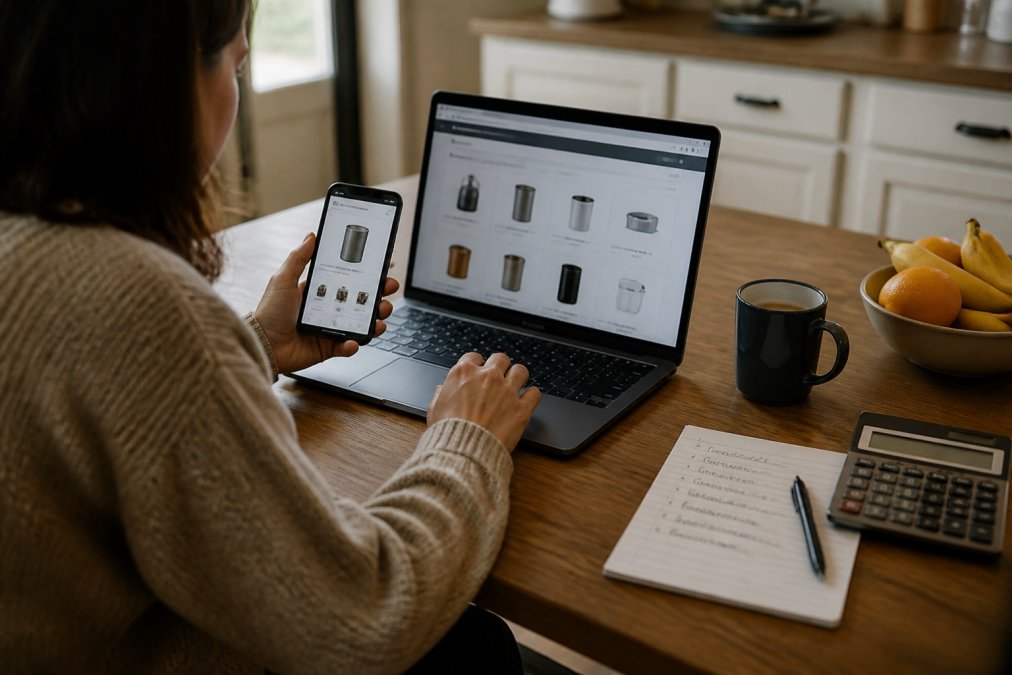
Here's how this works on an actual cart. Say you're buying a tablet for a child, a small projector for movie nights, and a portable fan for a home office.
Frequently Asked Questions
What website can I use to compare store prices?
Most shoppers use a mix of tools: a browser extension that shows price history on a product page, a coupon aggregator that scans promo codes at checkout, and a shopping app for scanning barcodes in person. No single site covers every retailer, so the reliable approach is to check two or three sources before buying. Look for tools that show real-time data and total cost, including shipping, not just the sticker price.
How do I make sure I'm comparing the total cost, including shipping and taxes?
Add every item to the cart and go to checkout before judging the price. That is the only place shipping costs, taxes, and handling fees appear. Compare the final order total, not the product price. A $4.14 air cooler fan with $9 shipping costs more than a $12 listing with free shipping. Watch for minimum order thresholds, since a small add-on can unlock free shipping and cut your total.
Are price comparison apps and browser extensions safe to use?
Reputable extensions only read the page you are on and do not store payment details. Before installing one, check its permissions, its privacy policy, and its store ratings. Avoid any tool that asks for your card number or bank login. For transactional security, pay through the retailer's own checkout with a credit card, which gives you dispute rights under federal law if something goes wrong.
How can I track price drops on items I want to buy?
Set a price alert on the product URL through a price tracker or add the item to a wishlist that sends email notifications. Some trackers show a 30- to 90-day price history, which reveals whether the current discount is real or the item was quietly marked up first. If a price has not moved in weeks, waiting rarely helps; if it swings often, set a target price and let the alert do the work.
Comparing prices takes discipline, and the payoff is real: lower total costs, fewer returns, and no checkout surprises. Nehemiah Country Store makes that easier by putting trending deals, household essentials, electronics, and personal care in one place, with fast shipping and a wide variety of product categories so you're not juggling five carts. Get started with Nehemiah Country Store and shop the deals without the price-checking headache.


